Share care only when you want to
Tumble works fully for one person. When a partner, a sitter or a dog walker helps out, add them and choose what they can do.


How it works
- 1
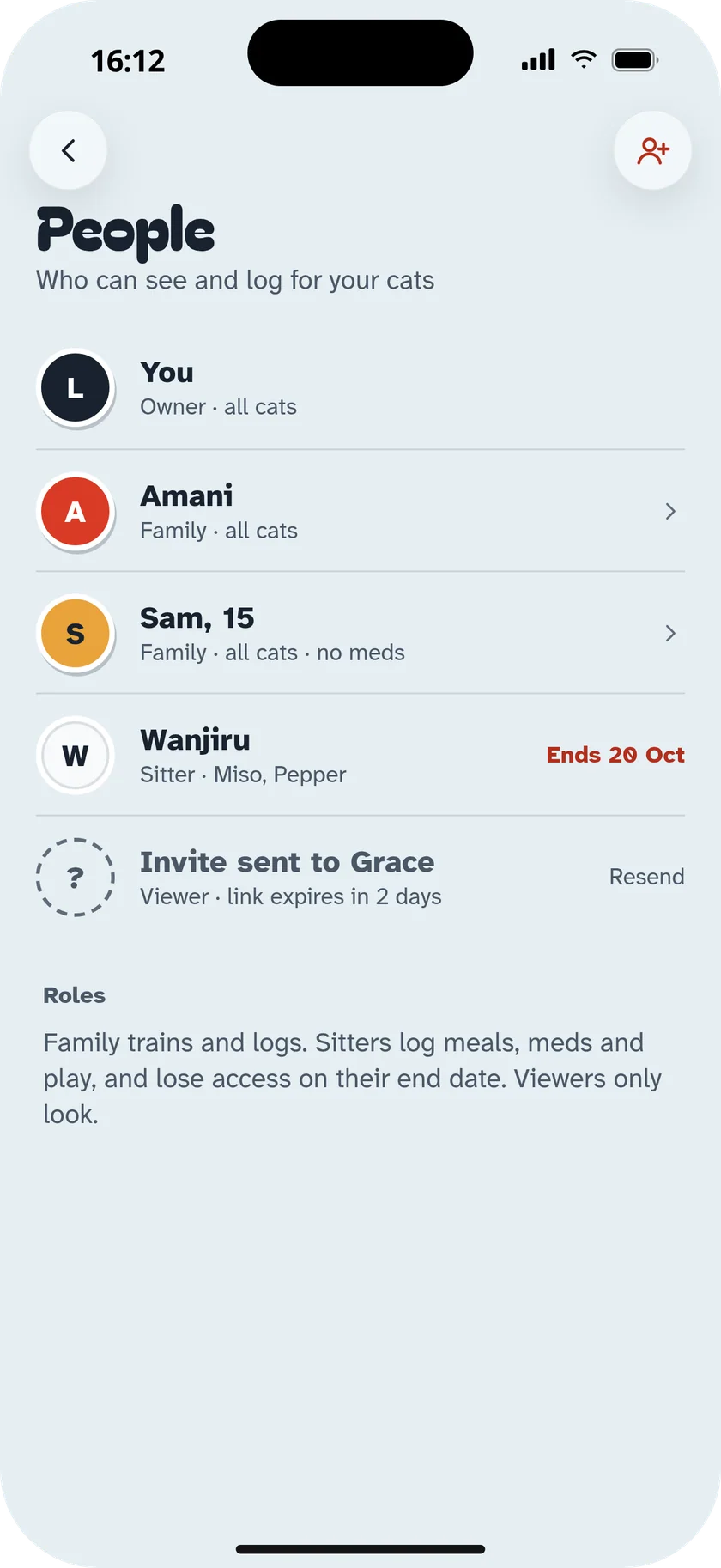
Choose what they can do
Log and train, sitter or walker, or view only.
- 2
Add a label
Partner, Mum, Neighbour, Dog walker: just a name tag.
- 3
Send the invite
A link, a code or an email. Sitter access can end on a date.
In the app
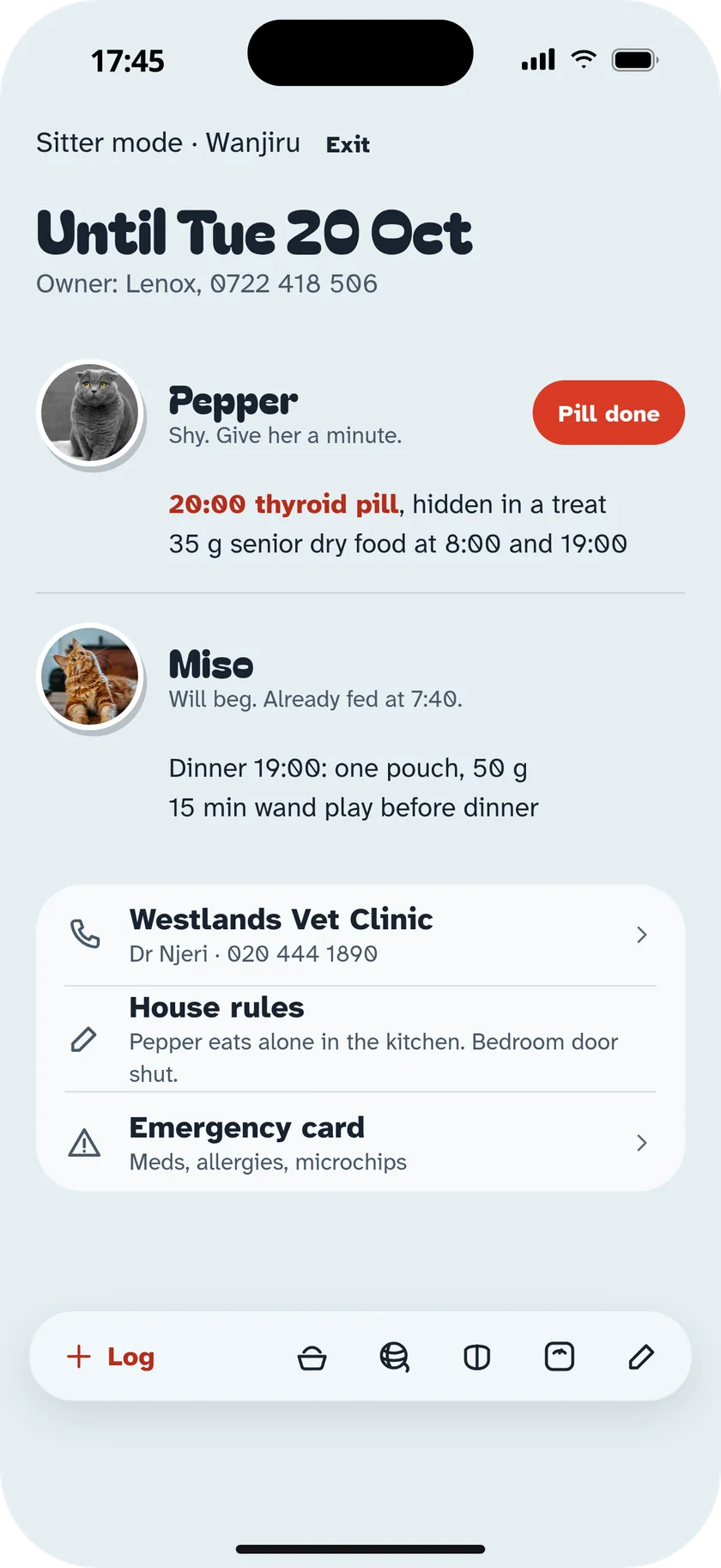
- Sitter mode
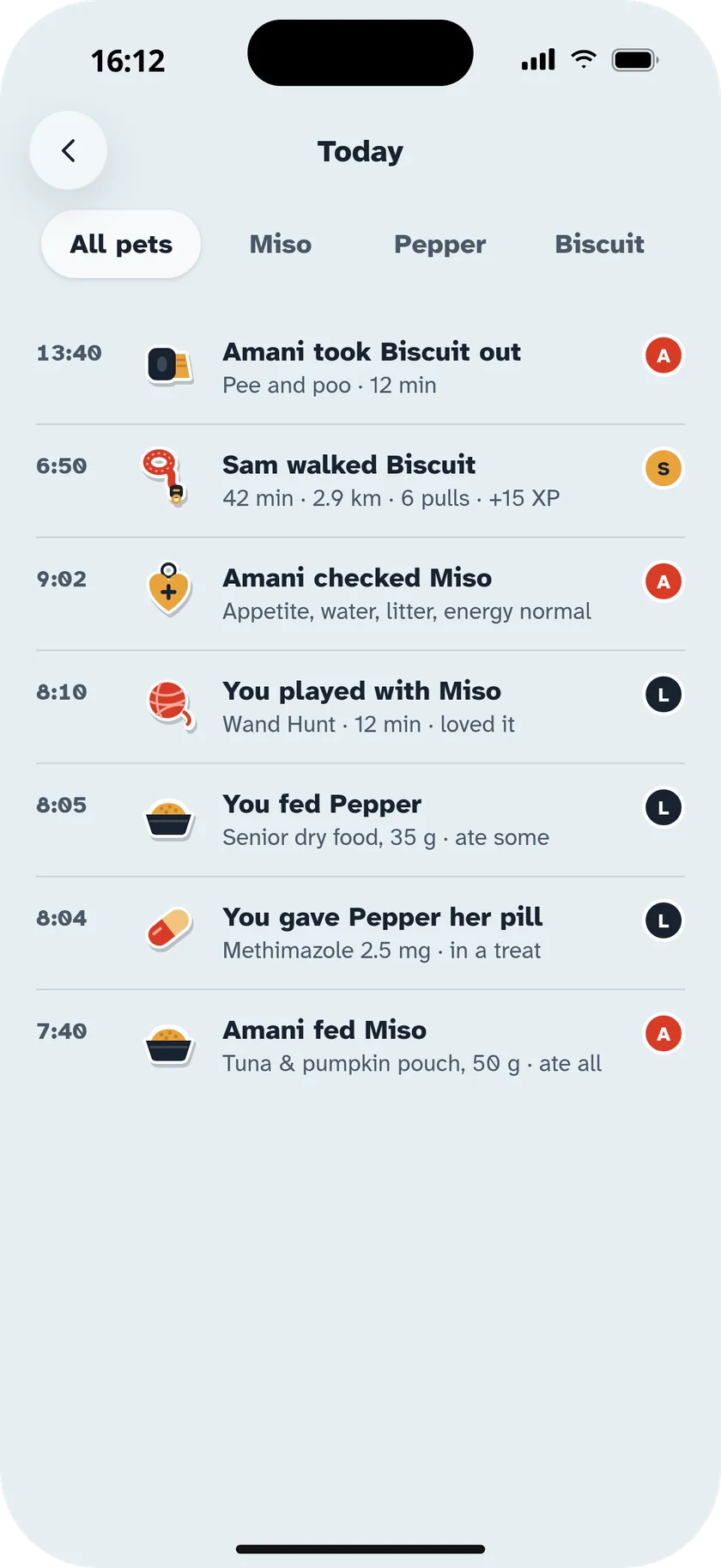
- A simple screen: meals, walks, meds, house rules and the vet's number.
- Logged by
- Every entry shows who did it, once someone else joins.
- Already-fed guard
- Nobody feeds twice, even across people.
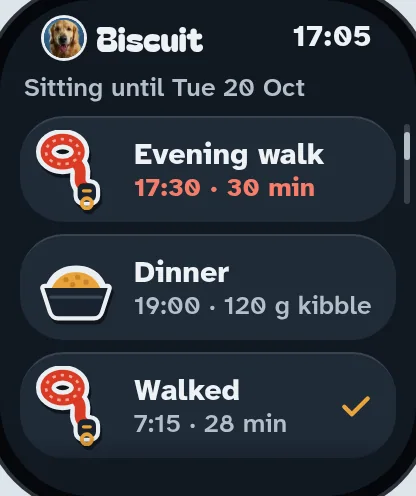
- Assignments
- Sam walks Biscuit tonight.
- Shared cues
- Everyone uses the same words and hand signals.
- End date
- Sitter access stops on the day you pick.


Questions
Do I have to invite anyone?
No. Everything works on your own. People features only appear once someone joins.
What does a sitter see?
Only what they need: meals, walks, meds, house rules, the vet's contact and the emergency card.
Can I remove someone?
Yes, any time. Sitter access can also end on a set date.
Fill today's basket.
Every lesson, game, walk and meal you log drops a toy in the basket. Six toys and the day is done.
Scan with your phone
Your camera opens the right store for your phone.