Reminders for everything your pets need
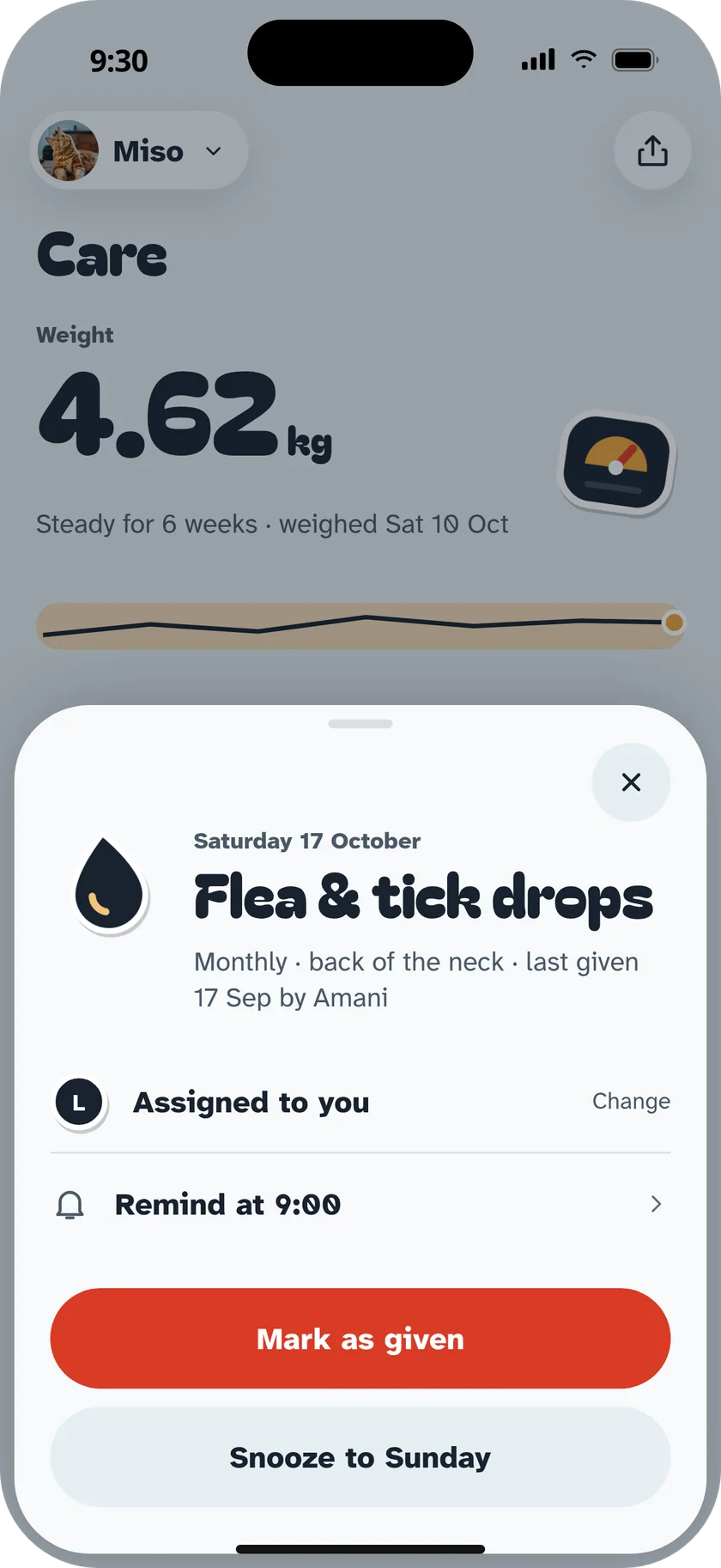
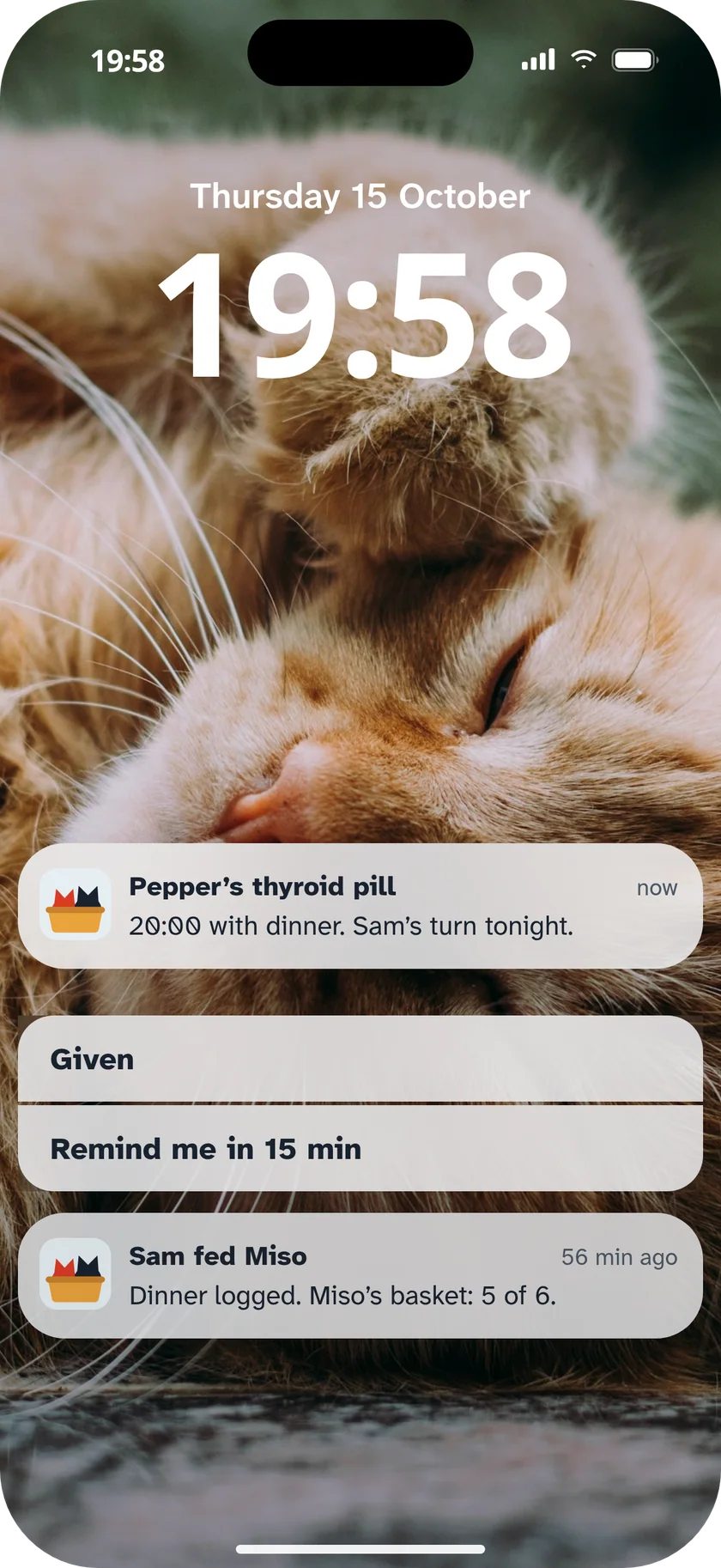
Meds, flea drops, vaccines, baths, nails, a litter deep clean, or anything you name. Tumble reminds whoever's turn it is.


How it works
- 1
Add it once
Pick a built-in event or name your own, with a sticker.
- 2
Set how often
Once, daily, weekly, monthly or your own rhythm.
- 3
Get a nudge
A reminder at the right time, and it lands in the day's basket.
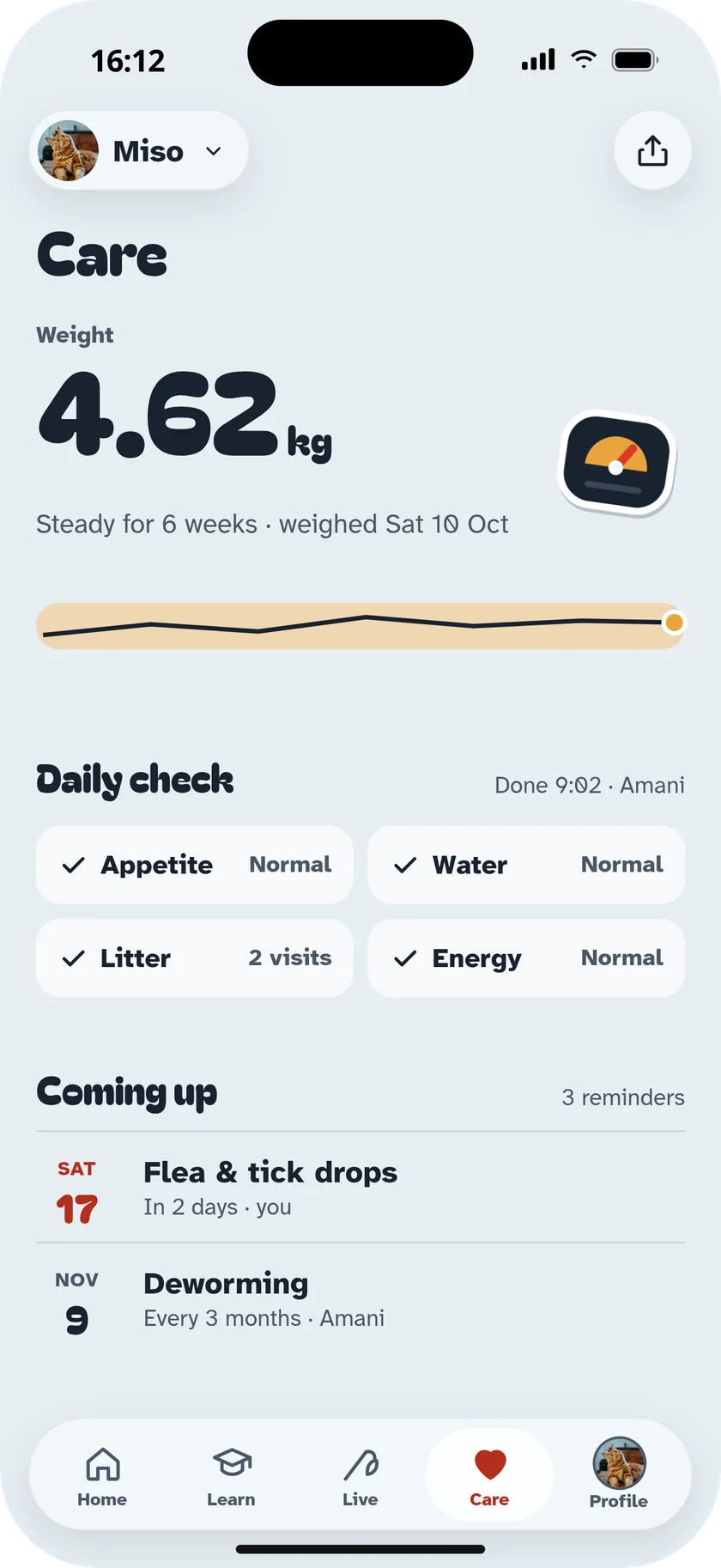
In the app
- Custom events
- Name it, pick a sticker, set how often.
- Week view
- Every pet's week on one calendar.
- Care routines
- Baths, brushing, nails, teeth, ears and washing the bed.
- Health dates
- Vaccines, flea, tick and worming, refills.
- Quiet hours
- Nothing at night unless it's meds.
- Siri and Watch
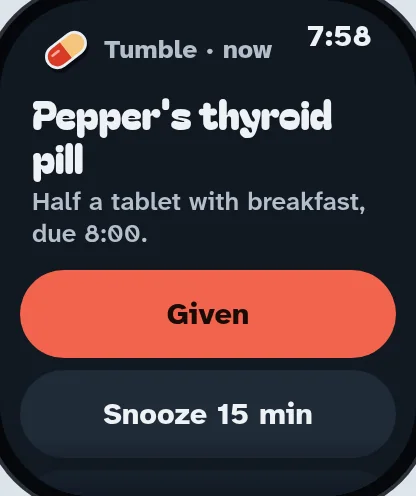
- Ask what's left today, or tick it off from your wrist.


Questions
Can I add my own reminders?
Yes. Name any event, pick a sticker, choose how often and when. It shows up in the basket and history like the built-in ones.
Will it nag me?
No. Reminders are calm and short, and you choose quiet hours.
Who gets the reminder if I share?
Whoever the task is assigned to. Solo, it's you.
Fill today's basket.
Every lesson, game, walk and meal you log drops a toy in the basket. Six toys and the day is done.
Scan with your phone
Your camera opens the right store for your phone.